

I bought my mother a Skylight Frame two Christmases ago, and most of what I know about it now came after the wrapping paper. For about a week it was a novelty. Then came the question I have answered more times than I can count, from my own children and from my brother: how do I get the pictures off my phone and onto Grandma's frame. That question is the review, really. The Skylight Frame does one job better than anything else I have handed an older person, and that job depends entirely on whether the family keeps doing their half of it.
So this is not written from a product page. It is written from two years of watching a small rectangle on my mother's side table light up with a picture of a kid holding a fish, and watching that same rectangle sit dark for eleven days because nobody remembered to send anything. Both of those are part of the honest answer. If you are shopping for a parent or grandparent and you want to know what the thing is actually like once the novelty wears off, this is that version.
The Quick Verdict
A warm, well-made gift that solves a real problem, on one condition: somebody in the family has to keep sending pictures after week one. Buy it for the person receiving it, not for the person giving it.
Amazon Check Today's Price →The frame is the easy part. The family is the gift.
Sending a photo takes about four seconds from a phone. If you have a child, a sibling, or a cousin who will actually spend those four seconds a few times a month, this is the best gift in its category. If nobody will, buy a nice framed print instead.
Amazon Check Today's Price on Amazon →What the Skylight Frame Actually Does
The mechanics are simple enough to explain in one breath. You plug the frame in, connect it to the household Wi-Fi, and set up the Skylight email address that belongs to the frame. From then on, anyone you give that address to can send a photo to it from a phone, and the photo appears in the room. That is the whole product. No printing, no memory card to mail, no computer in the middle, and no reason for the person receiving the gift to learn anything new.
The display is a 10-inch color touchscreen at 1280x800 resolution, and the frame holds 8 GB of pictures, which is a great many photos of grandchildren. My mother never touches a phone to make this work. She sits in her chair and the pictures arrive. My kids send from their phones in about four seconds, which is the only reason it has lasted two years in this family. Anything that takes longer than four seconds does not survive contact with busy people. Two years in, there are well over a thousand pictures on it and nobody has ever once had to delete anything to make room.
The frame weighs 680 g, so it is easy to move from the side table to the kitchen counter when she wants company while she eats lunch. I have carried it from the front room into the kitchen and back more times than I could count, usually on a Sunday when the kitchen light is better and she wants to look at the newest pictures while the coffee is still hot. It is corded electric, which matters more than the listing makes it sound, and I will get to that. Control lives in the app on the sender's phone. The frame just displays, which is exactly what it should do.
What Nobody Tells You Before You Give One
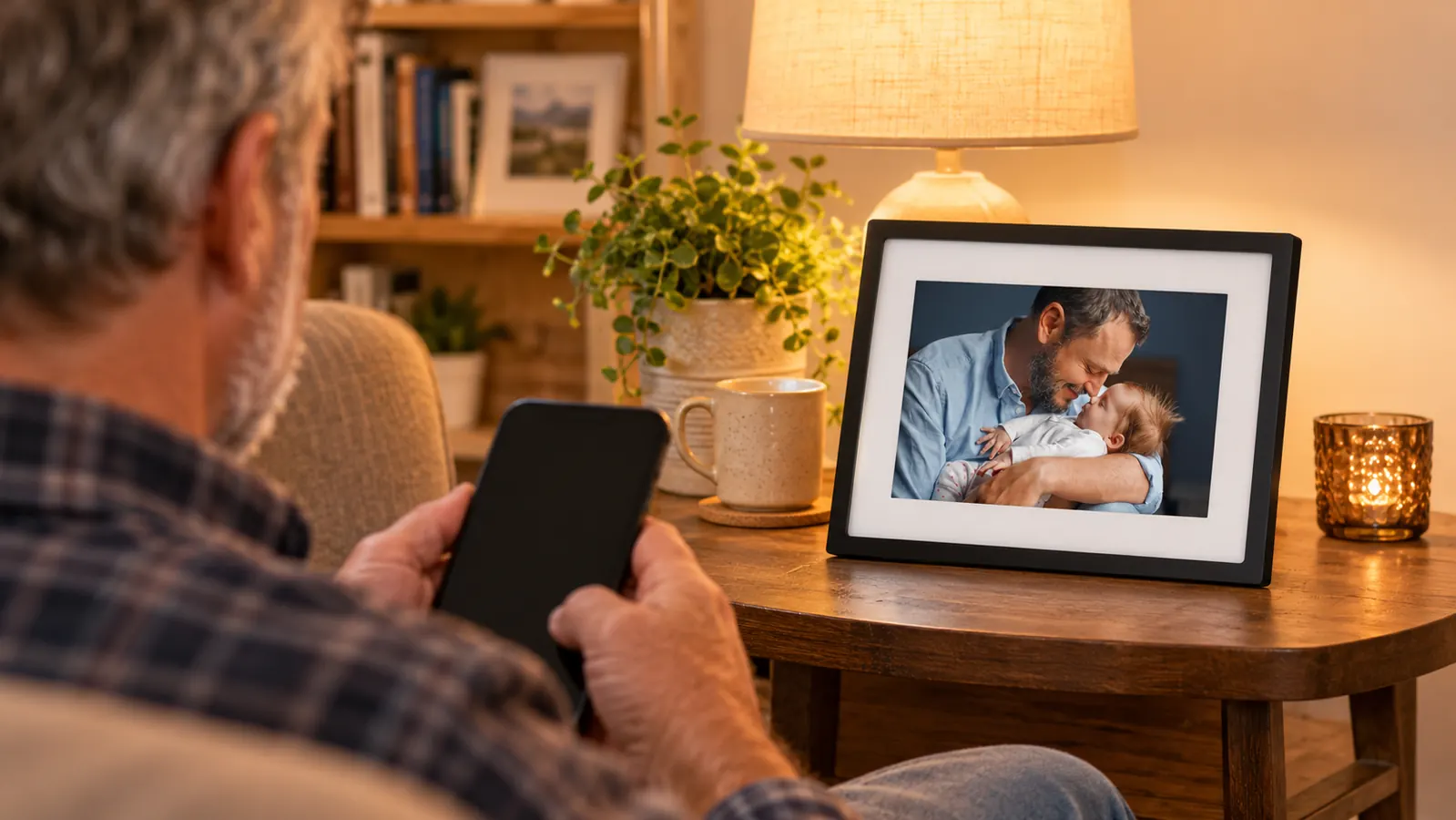
Here is the first thing the listing mentions in passing and the buyer skims past. It plugs into the wall. There is no battery. That sounds obvious until you picture the actual room: the end table is on the far side of the lamp, the nearest outlet is behind the recliner, and the nicest spot by the window has no power at all. Before you buy, walk into the room where this thing will live and find the outlet. My first attempt was a flat extension cord tucked under the rug, which lasted exactly one afternoon before Ron pointed out that it was a trip hazard, and he was right. What actually worked was sliding the lamp six inches to the left and putting the frame where the lamp had been. My mother's apartment has exactly one convenient outlet and we planned around it. A friend of mine gave one to her father and the frame spent a month on the floor beside an extension cord before anyone sorted it out.
Second, it needs Wi-Fi to receive anything new. The frame has an offline mode, and it works the way you would hope: the photos already on it keep playing without a connection. But nothing new can arrive until the frame is back online. Assisted living buildings are not famous for reliable Wi-Fi, and my mother's is no exception. When the building router went down for three days last fall, her frame kept cycling through the same pictures. She did not mind. I minded, because I had sent a photo of the 4-year-old in her costume and it landed four days late.
Third, and this is the one nobody says out loud: the gift is only as good as the people sending to it. A digital frame given by one person to one person, with no group behind it, runs out of pictures fast. The first week is wonderful because you load it up before you wrap it. Week three is when you find out whether you gave a gift or assigned an errand. I started a group text with my brother and my two kids the day we gave it, and the rule is simple enough to remember: if you take a picture of a kid doing something, send it to the frame. It works about seventy percent of the time, which is enough.
Fourth, there is the touchscreen and the grandchildren. The screen responds to fingers, and fingers arrive with jam on them. My 4-year-old granddaughter worked out within one visit that she could swipe through the pictures herself, and she now considers the frame hers. That is genuinely lovely and it also means I clean the glass when I visit. For an older person with arthritis, like my mother, a light touch is plenty, so the swiping is no strain at all. It is the cleaning that adds up.
A digital frame is not a gift you give once. It is a gift you keep giving, four seconds at a time. That is either the sweetest thing about it or the reason it ends up dark on a shelf, and which one it is depends on your family, not on the frame.
How It Went Over With My Mother
My mother is 88 and lives in an assisted living apartment twenty minutes from my house in Lancaster. She has mild arthritis in her hands, she does not use a smartphone, and she loves photographs of the family more than she loves almost anything. That combination is exactly who this frame was built for. She cannot work a photo app. She can absolutely look at a picture of her great-grandchildren and tell the aide who comes in at eight o'clock precisely who each child is, which she does, at length, every time.
The part I did not expect is how it changed her room. A framed print on a wall becomes furniture after a while, and you stop seeing it. A frame that changes every few days gets looked at. The clearest example was a Tuesday in October, when a photo of the 14-year-old at her band concert arrived mid-afternoon while her aide was still in the room. My mother spent a good ten minutes explaining which instrument it was and where she had been sitting, and the aide stood there and listened to all of it. It also gives her something fresh to talk about with the people who come through, and at that stage of life that is worth more than the picture itself. Her aide asked me at Thanksgiving how to get one for her own mother. That is the best review I can give anything.
It is also the only gift I have given my mother in years that she has not had to store, dust around, or pretend to like. She does not have room for another object. This one earns its square of side table because the content keeps changing. That is a real argument, and it is the argument I would make to anyone shopping for somebody in a small apartment.
Setting It Up Without Anyone Calling You
The company says setup is easy, and for the person doing it, it is. You plug it in, connect to Wi-Fi, and choose the Skylight email address for the frame. Anyone who has paired a printer can manage it in ten minutes. My mother could not have done it herself and I would not have wanted her to try. That is not a knock on the frame. It is just the truth about any gift with a network connection: somebody has to be the person who sets it up, and that person should be standing in the room when it happens.
The second setup is the harder one, and it is social rather than technical. You have to get the frame's address into the phones of everyone who might send a picture, and then you have to make sending feel normal rather than like a chore. What worked for us was naming one family member as the reminder. That is me. I send a picture on Sunday afternoons and the others follow along. It also helped to sit with the 14-year-old and have her send the very first picture herself, because once she had done it she never had to ask me how again. If nobody in your family wants that job, the frame will be lovely for a month and then quiet.
One more thing worth knowing before you order: the listing does not spell out a warranty. I have not needed one, and the frame has run for two years without a hiccup, but if peace of mind on paper matters to you, ask the question before you buy rather than after.
The Small Details That Show Up Later
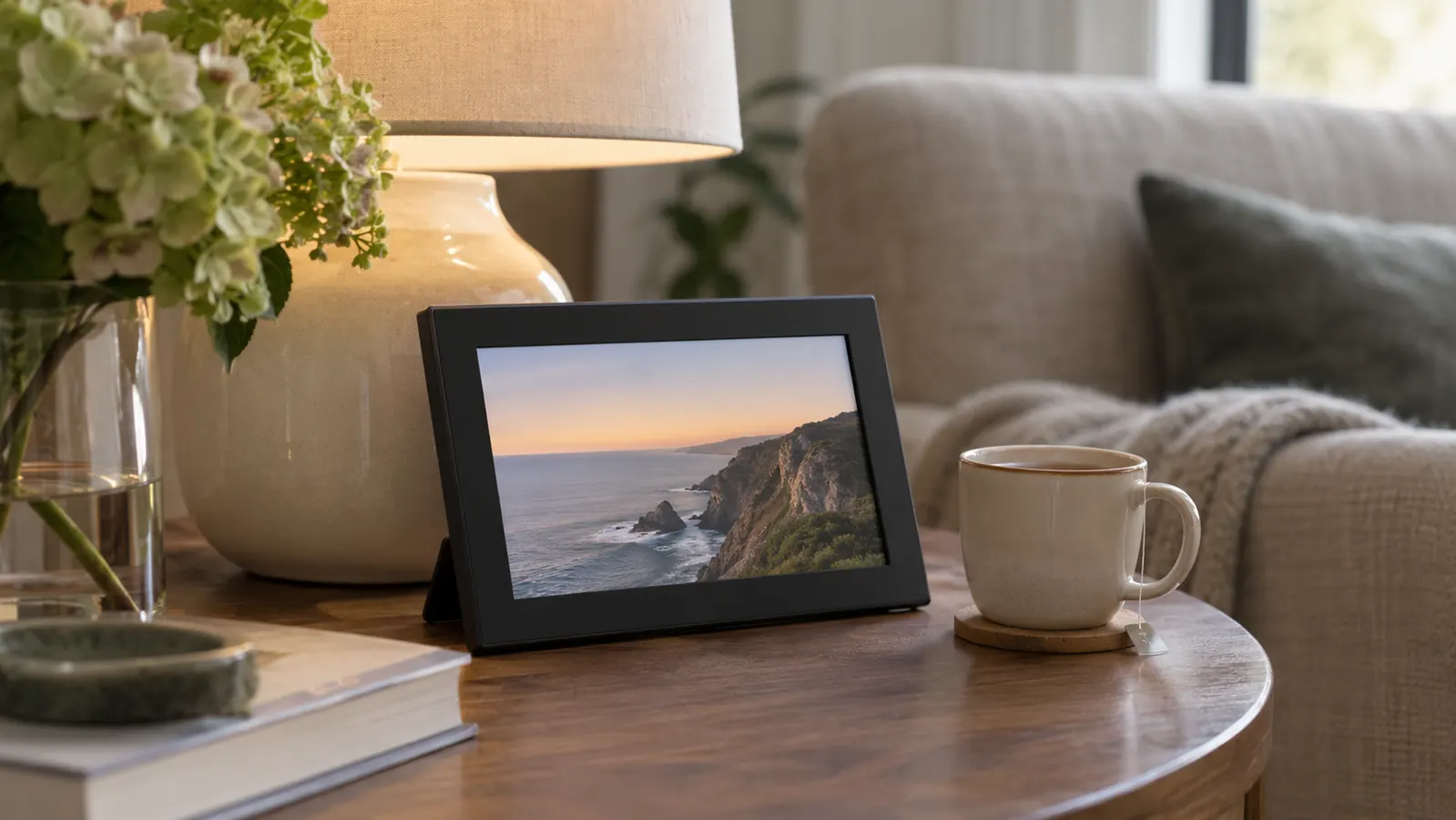
The 8 GB of storage holds thousands of photos at the size this screen displays, so space has never once been an issue for us. The screen is 10 inches at 1280x800, sharp enough that faces read clearly from across a small room. It is a widescreen 16:9 shape, and most pictures my kids take are tall phone shots, so plenty of them arrive with space on either side. Nobody has complained about that yet. My mother says the empty space makes the face easier to see.
The touchscreen is the feature I use most when I visit, because it lets me swipe back to older pictures and find the one she wants to see again. On a Saturday in January we spent twenty minutes scrolling back to the first Christmas, four grandchildren on one couch, and she named every one of them twice. That is not a thing a framed print can do. Offline mode keeps the existing pictures playing when there is no connection, and it has been the quiet hero of the whole thing during the building's Wi-Fi outages. Understand what it is, though. Offline mode keeps the show running. It does not bring anything new to the room.
This frame is built for receiving rather than sending. Everything flows one direction, from the phones of the family to the frame in her room. For my mother, that is the right design. She has no interest in learning to take a picture and send one back. For a family that wants a two-way loop, this is not that product, and it is worth knowing before you order rather than after.
What I Liked
- Pictures appear in the room without the person receiving them needing a phone, a password, or a printer
- 10-inch touchscreen at 1280x800 is clear enough to read faces from across the room
- 8 GB of storage holds years of photos without anyone managing it
- Offline mode keeps existing pictures playing when the Wi-Fi drops
- Light at 680 g, easy to move from the side table to the kitchen counter
- The changing pictures give an older person something new to talk about with visitors and staff
Where It Falls Short
- Corded electric, so it needs an outlet near where it will sit. There is no battery
- Needs Wi-Fi to receive anything new, and assisted living Wi-Fi is not always reliable
- The gift only works if family members keep sending after the first week
- The widescreen 16:9 shape means tall phone photos arrive with space on either side
- The touchscreen collects fingerprints, especially when small visitors are in the room
- The listing does not spell out a warranty
Who This Is For
This is for the parent or grandparent who lives alone, or mostly alone, and who lights up at photographs but will not touch a phone app to find them. It is for the family with at least one person willing to be the sender, the one who spends four seconds on a Sunday moving a picture from a phone to a frame. It is for a small apartment with one good outlet and a side table that could use a reason to exist.
It is also, honestly, for the gift giver who has run out of ideas. If you have reached the stage with a parent where another candle, another throw blanket, or another gadget that needs explaining feels wrong, this one earns its place because the content changes and the objects do not pile up in a closet.
Who Should Skip It
Skip it if there is no outlet anywhere near the spot the frame would live and you are not willing to run an extension cord. Skip it if the room has no Wi-Fi and nobody is going to fix that. Skip it if you are the only person in the family who would ever send a picture and you know yourself well enough to know that Sunday sending will last about three weeks.
And skip it if the person receiving it is not really a photo person. Some people are not. My husband Ron would rather have a new pruning saw than a picture of anything, and he would tell you so plainly. Buy the frame for the person who will actually look at it, not for the version of them you wish they were.
Two years in, the Skylight Frame is still on my mother's side table and still earning its outlet. That is a longer run than most gifts get in this family. It works because the frame does its one job well and because four people send pictures without being asked twice. If you can say the same about your people, buy it. If you cannot, buy something she can hold in her hands.
Buy it for the person who will look at it every day.
The frame handles the display, the storage, and the offline backup. You handle the four seconds. That is the whole arrangement, and when it works, it is the best gift in the room.
Amazon Check Today's Price on Amazon →