
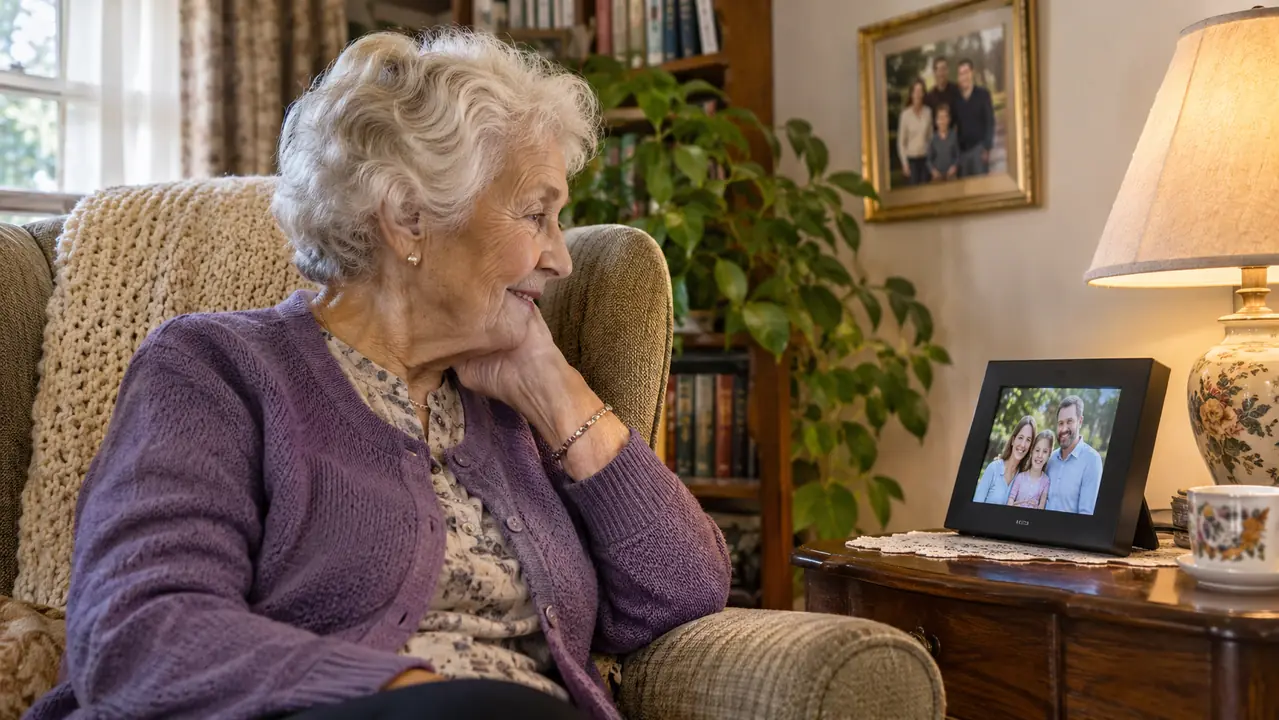
My mother turned 88 in March, and by the middle of February I had run out of ideas. June lives in an assisted living apartment twenty minutes from my house in Lancaster. She reads two newspapers a day, she has arthritis in both hands, and she can name every person in the eleven framed photographs on her living room wall. That last part is the problem, and the reason for this article. The photograph of my grandson on his bicycle is from two Christmases ago. He is fourteen now. The baby in the christening frame starts middle school in the fall. Her wall is accurate about 2023 and getting less accurate every month, and no gift I have ever bought her fixes that.
So this year I bought a Skylight digital picture frame. Plain version: it is a 10-inch frame that sits on a table and shows photographs, and the photographs get to it over Wi-Fi from a phone or by email. You plug it in, you connect it once, and after that anyone you trust can send a picture from wherever they happen to be. That is the entire pitch. I want to say right here that I did not believe my mother would use it.
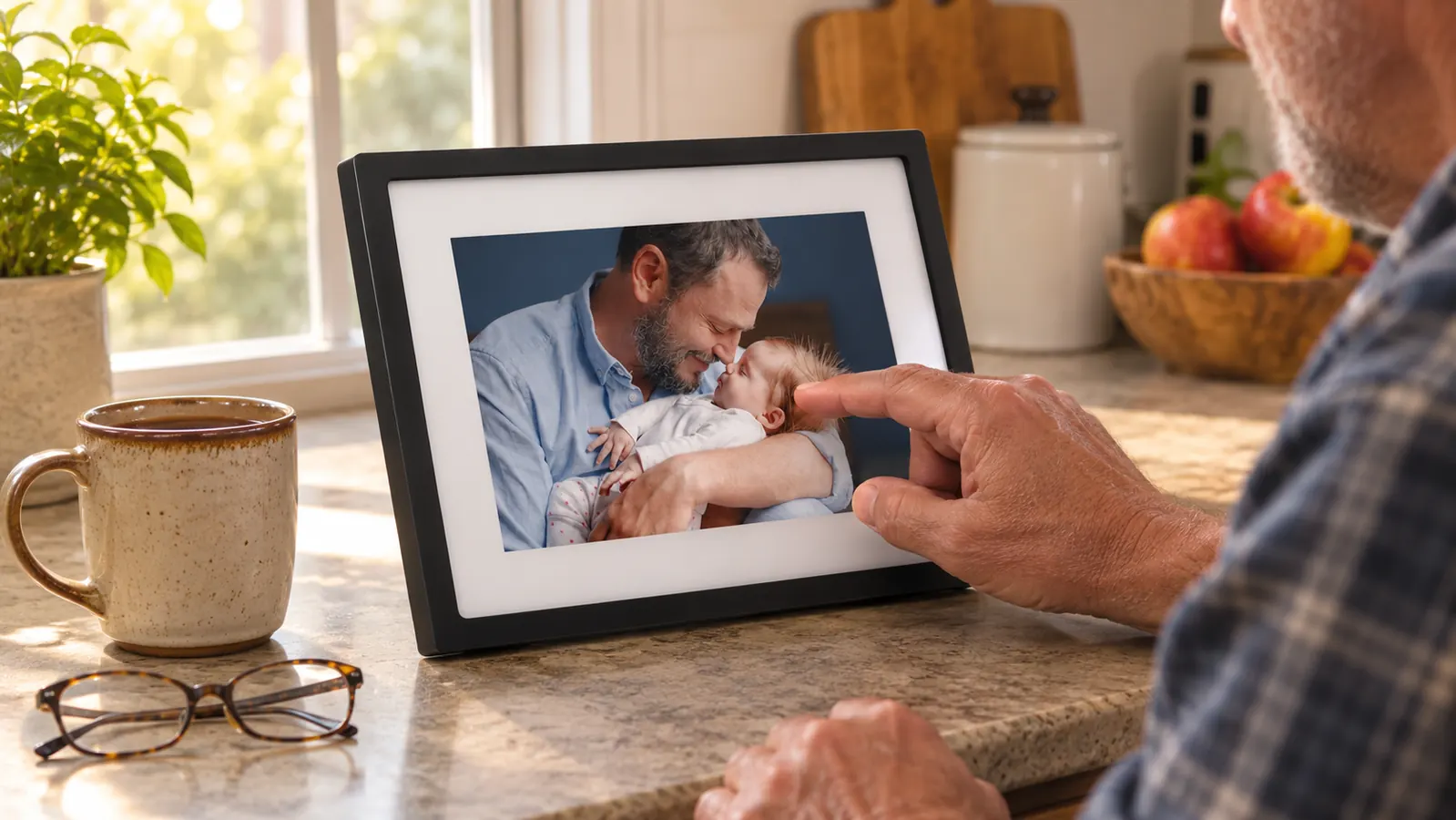
I set it up at my kitchen table on a Sunday afternoon with Ron reading the paper across from me. Plug it in, connect to the Wi-Fi, choose the Skylight email address for the frame. It took about ten minutes, and eight of those were me typing a password on a touchscreen with my reading glasses pushed up on my head. Then I sent one photo from my phone to see if it worked. It worked before I got up to refill my coffee. I loaded twenty pictures from my camera roll so the frame would not be empty when she opened it, and drove it over.
The part I did not plan for was how fast the grandkids took over. I sent the address to their parents, and to the oldest one, who has a phone and strong opinions about which pictures are good. By the end of the first week the frame had forty-one photographs on it. On the Thursday my mother called me about a picture of a girl holding up a certificate at a school assembly. I had not sent that one. She was laughing on the phone, and she is not a big phone laugher.
Here is my honest context. I have bought my mother a lot of gifts. There is a heated throw in her closet because it made her too warm, a jigsaw she finished once, and a set of hand creams she is saving for good. I know what a gift that actually gets used looks like. It has a place in the room and a job it does every day, and this one had earned a spot on the table beside her chair within an hour of my leaving.
Forty-one photographs in seven days, and she called me about one I never sent. That is the whole review, really.
The frame that filled up in its first week
A 10-inch touchscreen frame that takes pictures straight from a phone. Set it up once at your own kitchen table, then let the family do the rest. Current price and shipping are on the Amazon listing.
Amazon Check Today's Price on Amazon →Day to day it is about as simple as a screen gets. The frame is plugged in and running all day. She taps it and the next photograph comes up, or she swipes, and she does not need a remote, a password, or me on the phone walking her through it. The display is 10 inches at 1280x800, which is sharp enough that she can pick herself out of a group shot from across the room without getting up. When the grandkids went to the shore with their parents in June, the pictures were on her table before the car was unpacked.

The offline mode mattered more than I expected. Her building lost internet for most of a day in April. The frame kept cycling through the photographs already on it, which is what the eight gigabytes of storage are for, and she did not notice anything was wrong until I mentioned it that evening. New pictures need a connection. The ones already there do not.
Two limits I would want to know about before buying. It has to stay plugged in, so it lives in one place, and that place is a side table rather than a garden or a kitchen counter where you might want it for an afternoon. And every new photograph depends on somebody sending one. If the family goes quiet for a month, the frame shows the same pictures for a month, and a grandmother will notice.
The other thing I would be honest about is the first ten minutes. Somebody has to do the setup and keep the email address straight, and it should be somebody in the family who will still answer a question about it in six months. If that person lives four states away, or if the frame is going into a house without Wi-Fi, this is not the gift. It is not difficult. It just needs one person to own it. If you want the longer version of how it has held up, I keep notes in my long-term Skylight frame review, and I put it side by side with the Frameo frames for anyone shopping both.
What I'd Tell You If We Were Sitting at My Kitchen Table
I would tell you to buy it for the person who already has everything and would rather see a new picture than open another box. Set it up yourself before you wrap it. Load twenty photographs from your own phone so it is not blank when she opens it, and tape an index card to the back with the email address written large, because people will ask her for it and she will not remember it. Put a name in the caption if you can. She likes knowing who she is looking at, and a face without a name is only half a gift.
I would tell you to skip it if the person you are buying for does not have Wi-Fi, or does not want a screen in the room, or if nobody in the family will reliably send pictures. An empty frame is a sad object. But if there are grandchildren with phones and a grandmother who likes faces, this is the rare gift that keeps arriving long after the wrapping paper is gone.
One gift that keeps showing up after the birthday
Set it up once, hand out the address, and let the pictures arrive. Check today's price and availability before the next birthday on your calendar.
Amazon Check Today's Price on Amazon →