
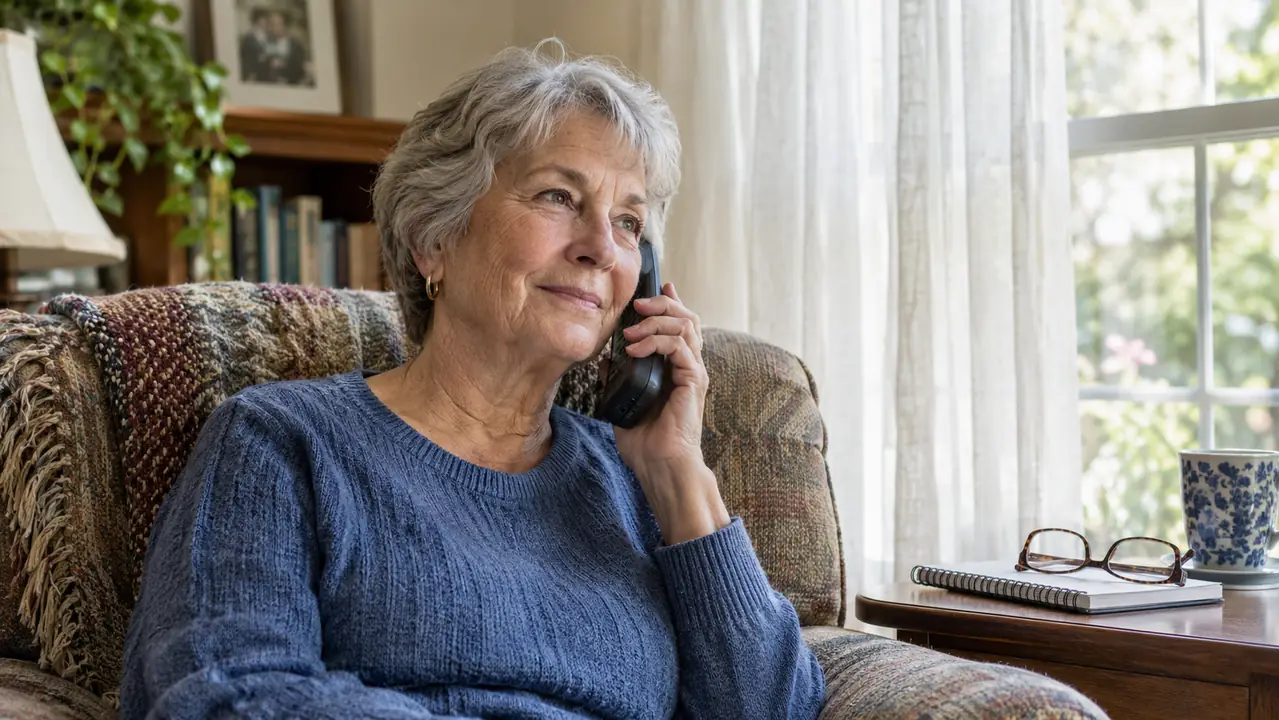
My mother is 88 and lives in an assisted living apartment about twenty minutes from my house. Last spring she stopped answering her phone. Not because she could not hear it. Because by the time she found her reading glasses, picked up the handset, and located the right button, the caller had already given up. Six missed calls in one week. Two of them were from me.
I have since decided that a phone for an older parent is almost never about the phone. It is about whether she can answer in the four seconds before voicemail picks up. It is about whether she can call her own daughter without a cheat sheet taped to the counter. The Panasonic KX-TGU432B, a two-handset cordless set with a 2.1-inch display and big buttons, is what finally worked for us. What follows is not a spec sheet. It is the setup I did one Saturday, and the five things that made the difference between a phone she tolerated and a phone she uses every day.
The phone June answers on the second ring
Large 2.1-inch display, big buttons, a Favorites key that flashes when someone calls, and a volume boost for the loud-kitchen days. Two handsets, so one can live by the bed.
Amazon Check Today's Price on Amazon →Step 1: Put the base where she already sits, not where the phone jack is
The first mistake I made was plugging the base in at the desk in the corner of her apartment. That is where the jack was, so that is where the phone went. It took me a month to notice she never used that desk. She sits in the blue chair by the window. She sits there to read, to watch the birds, and to wait for the aide who brings her lunch. That chair is where her whole day happens, and the phone was nine feet away in a room she walks through twice a day.
I measured it. Nine feet, from the arm of the blue chair to the corner desk, and about six of those feet were open floor she had to cross without her walker. That is not a long walk for me. It is a decision for her, every single time the phone rings, and she was losing that decision more often than not.
A phone base needs two things: a phone jack and a wall outlet. If those two things are not near the chair, you buy a longer cord, or you ask the building maintenance man very nicely. That is the entire trick. The Panasonic base now sits on a small side table eighteen inches from her elbow. The handset cradles there, in reach without standing up.
One warning from someone who learned it the hard way. Do not tuck the base behind a lamp or a stack of books. The first week I had it on the side table, I nudged it behind her reading lamp to keep the cord tidy, and she missed two calls before I figured out why. If she has to move something to reach it, the phone is effectively in another room. Give it its own clear square of table, and give the cord enough slack that it does not pull tight when she lifts the handset.
Step 2: Fill the Favorites key before you hand it over
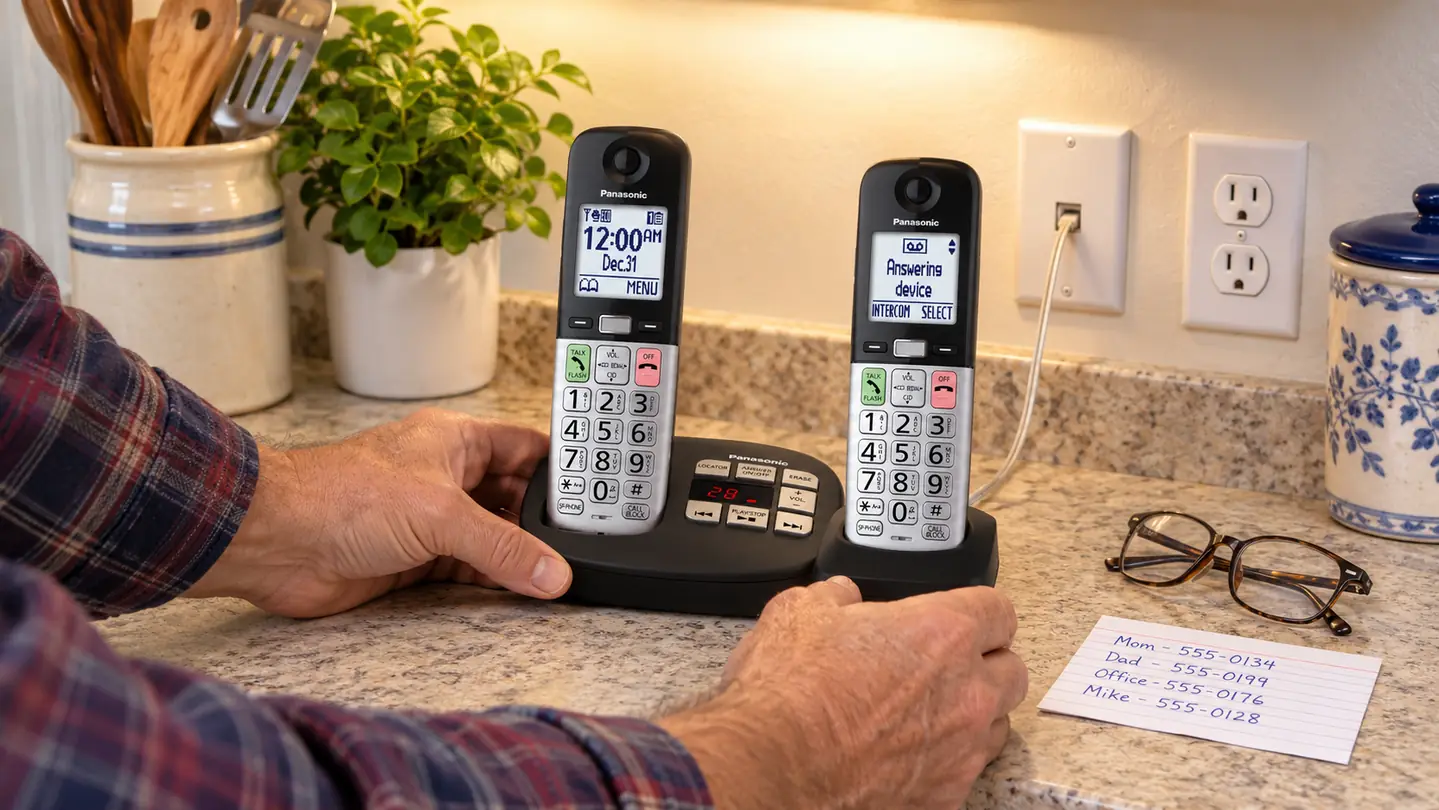
This is the step that changed everything for us, and it takes about ten minutes. The Panasonic has a Favorites key, and that key flashes to notify you of incoming and missed calls. Not a small icon in the corner of a screen. A key that blinks. My mother spotted it from across the room the first evening, which is exactly the point.
Before you wrap it or hand it over, sit down with the phone book and program the four or five numbers she actually dials. Me. Her sister in Ohio. The front desk downstairs. The pharmacy. That is it. Not twenty numbers. Not every cousin. Four or five, because a favorites list that fills the whole screen is just a second phone book with smaller writing.
Then write the names on an index card and tape it inside the drawer of the side table, where it stays clean and where she can find it. My mother does not need it anymore. She knows which key is mine. But the first two weeks, that card was the difference between her trying and her handing the handset to an aide.
A small note on how I chose the order, because it matters more than I expected. I put my number on the first key, so it is the one her thumb finds without looking. Her sister went second, because that is the call she makes when she is lonely, and I wanted it to be easy on a bad afternoon. The pharmacy went last. It took me two tries to get the order right. The first version had the front desk at the top, which is logical and useless, because she calls the front desk maybe once a month and calls me three times a week.
Step 3: Set the volume once, then turn on Talking Caller ID
My mother will not admit she needs the volume higher. She also keeps the television at a level that I can hear from the hallway. So I set the volume boost myself, the day I installed it, and I told her it came that way. She has not touched it since.
The other setting worth your ten minutes is talking caller ID. The phone announces who is calling, out loud, before she picks up. That single feature removes the whole glasses-and-squint routine. She hears my name, she knows it is me, she decides whether to answer. If it is a number she does not recognize, she lets it ring, and she does not feel guilty about it, because she never had to look at anything to make that decision.
I turned it on in the kitchen on a Tuesday afternoon while she was at her water aerobics class, and I did not tell her I had done it. That evening I called from my car in her parking lot and watched through the window. She looked up when the phone said my name, smiled, and picked up on the second ring. I have not stopped thinking about that twenty seconds. It is the smallest setting on the whole phone and it did the most work.
Step 4: Block the junk calls so she stops answering them
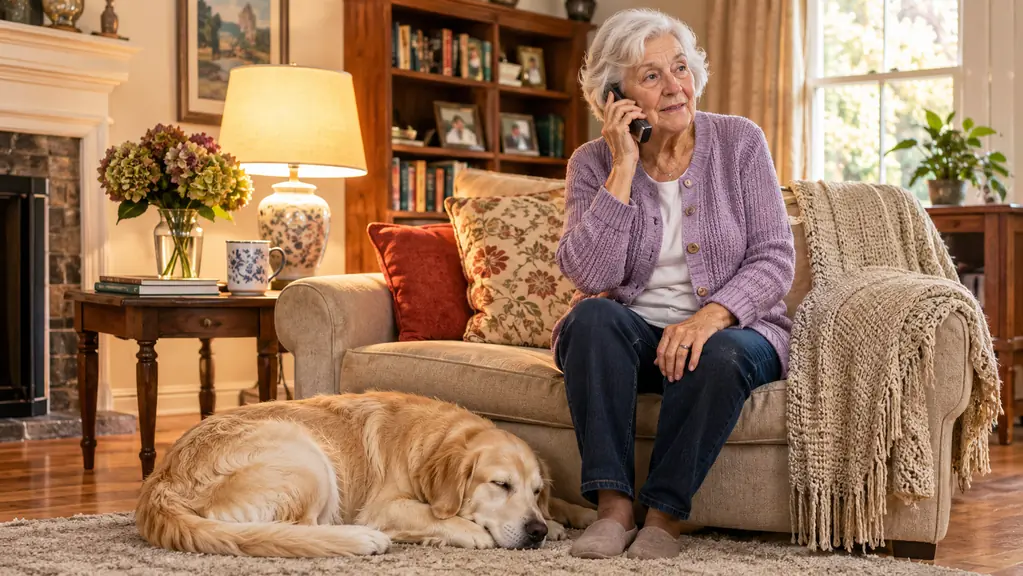
Here is what nobody tells you about phones for older adults. The problem is not usually that they cannot work the phone. The problem is that they answer every single call, because that is what you did in 1974, and then they get talked into things. My mother once spent eleven minutes on the phone with a man who wanted her Medicare number. She was being polite. She thought it would be rude to hang up.
The Panasonic has call block built in, and it is worth using. Sit with her for one afternoon and block the repeat offenders as they call. It took us three sittings, maybe twenty minutes total, spread across a week, because the junk calls come in when they come in and you cannot schedule them. Then tell her, out loud, in plain words, that hanging up on a stranger is not rude. It is what the phone company wants her to do. She needed to hear that from someone. It carried more weight than any feature.
She answered on the second ring. Six months of missed calls, undone by four saved numbers and a key that blinks.
Step 5: Put the second handset by the bed and learn the flashlight
The set comes with two cordless handsets, and I almost kept one in the box. Do not do that. The second handset lives on her nightstand now. She gets up once or twice a night, and the phone being within arm's reach at 3 a.m. is worth more than any feature on the box. The handsets are rated for 10 hours of talk time and about 5 days on standby, so a handset that sits on a nightstand all week is fine.
There is also a flashlight built into the handset. I laughed at that when I read the listing. My mother uses it more than anything else on the phone. She uses it to find her slippers. She uses it to read a label. She used it during a power outage in February to walk to the bathroom, and she called me afterward to tell me about it, which she has not done about any other object I have given her in ten years.
Do one thing for me before you leave the second handset on the nightstand. Plug it in and let it charge overnight, then unplug nothing and leave the cradle where it is. The first night I set it up, I left the handset loose on the nightstand instead of in the cradle, and it was dead by the following evening, because a phone that is not sitting in its cradle is a phone that is slowly dying. Put the cradle by the lamp, put the handset in it, and check the following week that she has kept it there. She did. She likes knowing it is charged.
What Else Helps
Two things beyond the setup. First, the answering system holds 17 minutes of messages, which is plenty for a household that gets a handful of calls a day, and it means you can leave her a real message instead of a ten-second one. Second, check the reach before you decide it works. Walk the handset to the far end of her apartment, or out to the mailbox, and see whether it holds. If it does not, this set is compatible with a range extender (the KX-TGA407), which is a cheaper fix than replacing the phone.
The other thing that helps is not a feature at all. Call her the first evening. Not to check on the setup. Call her the way you normally would, and let the phone ring twice, so she has to use the thing you just installed. She will be slow the first time and faster by the third. If you want the fuller picture on how it has held up over months of daily use, there is a longer review, and a side-by-side with a VTech senior phone if you are still deciding between the two.
When This Phone Isn't the Right Answer
This is a landline phone. It needs a phone jack and a wall outlet, and it needs a service provider. If your parent has already given up the landline and relies on a cell phone, this set will sit in a box. It is also not the answer for someone with significant hearing loss, because the volume boost helps with ordinary volume complaints, not with a diagnosed loss that needs a captioned or amplified phone. And if she has mild dementia and is prone to calling the same number forty times a day, a flashing Favorites key will make that easier, not harder. That is a conversation for her doctor, not a shopping decision.
For everyone else, for the parent who is slowing down a little, who cannot read the tiny buttons on the phone the building installed, who misses calls because she was three steps away, this is the setup that worked in my family. It cost me a Saturday morning and one hard conversation about hanging up on strangers.
Forty minutes of setup, then she can call you herself
Two handsets, a big 2.1-inch display, big buttons, a Favorites key that flashes, and a flashlight for the walk to the bathroom at 3 a.m. Program the numbers before you hand it over.
Amazon See the Panasonic KX-TGU432B on Amazon →