
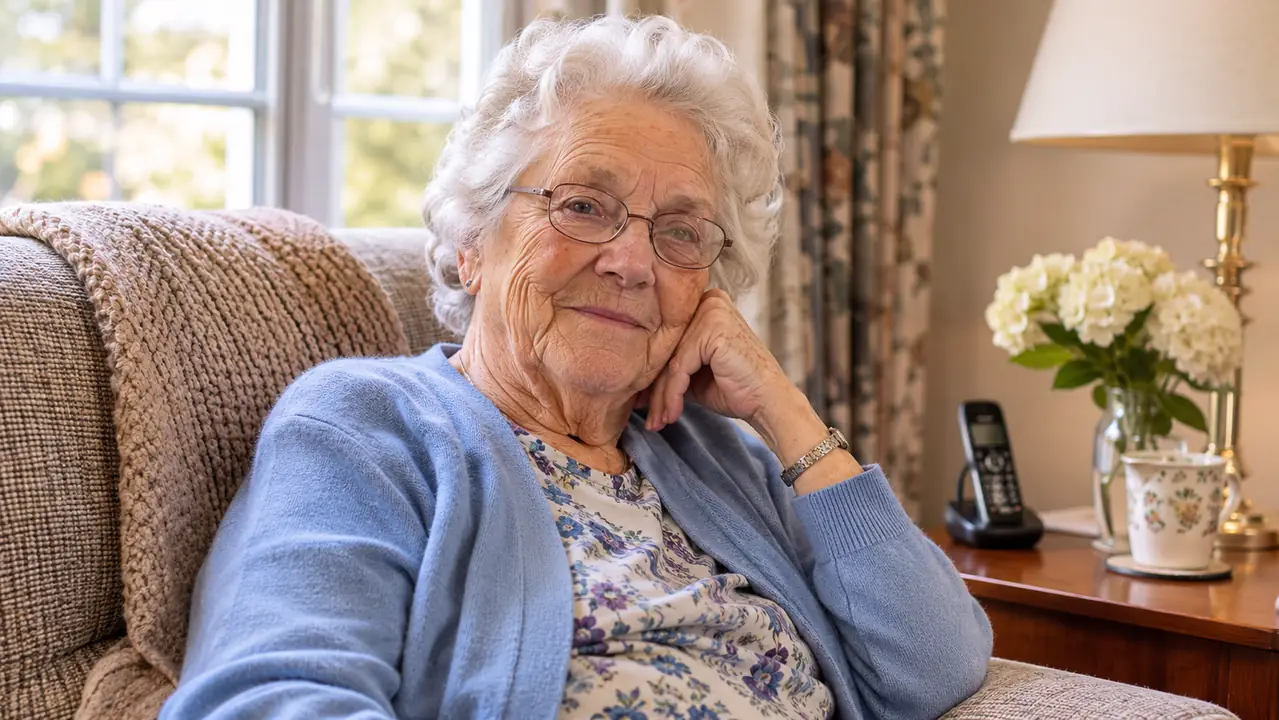
My mother is 88 and lives in an assisted living apartment twenty minutes from my house. For about two years, the phone on her end table was a small source of dread for both of us. Not because anything bad happened. Because she could not reliably see the numbers, and pressing the wrong one sent her into a menu she could not get out of. She would call me, we would talk for a while, and then she would say, 'Honey, I pushed something and now I don't know where I am.' Then I would drive over.
I tried the obvious things first. I wrote the important numbers on an index card and taped it to the table. I bought a phone with bigger buttons from a big-box store and returned it that same week, because the buttons were big but the screen was dim and the whole thing felt like a remote control for a television she did not own. In September I ordered the Panasonic KX-TGU432B, the two-handset version, and set it up on a Saturday morning with a cup of coffee going cold on her counter. Months later, most of our calls are about the grandkids again instead of about the phone.
The Quick Verdict
An easy-to-use cordless phone that fixed the two things that actually made June's old phone hard: buttons she can see and a favorites key that flashes before she has to hunt for anything. It is not a smartphone and not a medical alert, and the 2.1 inch screen will not rescue serious vision loss. For a parent who just wants to answer the phone, it does the job and then stays out of the way.
Amazon Check Today's Price →The phone that ended the weekly drive-over-and-fix-it visit
Two handsets, big buttons, a favorites key that flashes when someone calls. Check the current price and the handset count you need before you order.
Amazon Check Today's Price on Amazon →How I've Used It
I set it up in September in about fifteen minutes. Most of that was me reading the little paper guide twice, because I did not want to drive back the following weekend to fix something I had rushed. I did the work on a Saturday morning with her sitting in her chair watching me the way she used to watch me parallel park. The base went beside her lamp, the cord went behind the table where nobody would trip on it, and the second cradle went on the dresser in the bedroom. She handed me her reading glasses twice. I never needed them. The box had four AAA batteries in it, so there was no separate trip to a store. That detail matters more than it should when you are setting something up for a parent and want it finished in one visit.
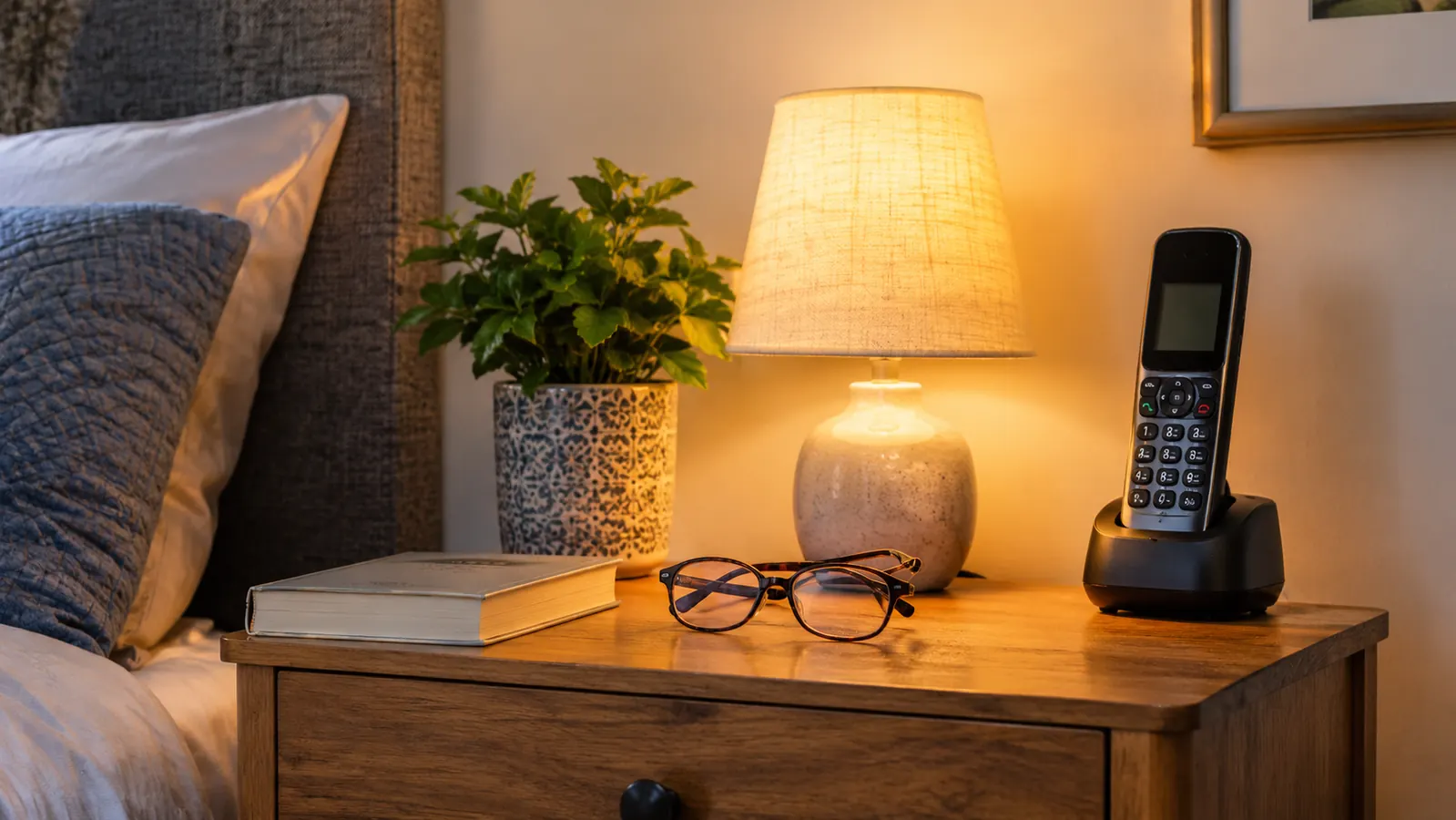
The two handsets are the part I underrated. One lives on the base in the living room next to her chair. The second sits on a small cradle in the bedroom, where she can reach it without getting up in the night. She is not a person who carries a phone around the apartment. She is a person who wants one within arm's reach in two rooms, and two handsets covered that exactly.
I have used it myself, too. When I am there on Sundays and it rings while she is in the other room, I answer it, and the buttons are large enough that I do not have to look down at my hand. But the sentence I care about most is this one: I have not had to fix it. In the first month I checked on it every time I called. By month three I had stopped thinking about it entirely, which is exactly what you want from a phone you bought for somebody else.
The Buttons and the 2.1 Inch Display
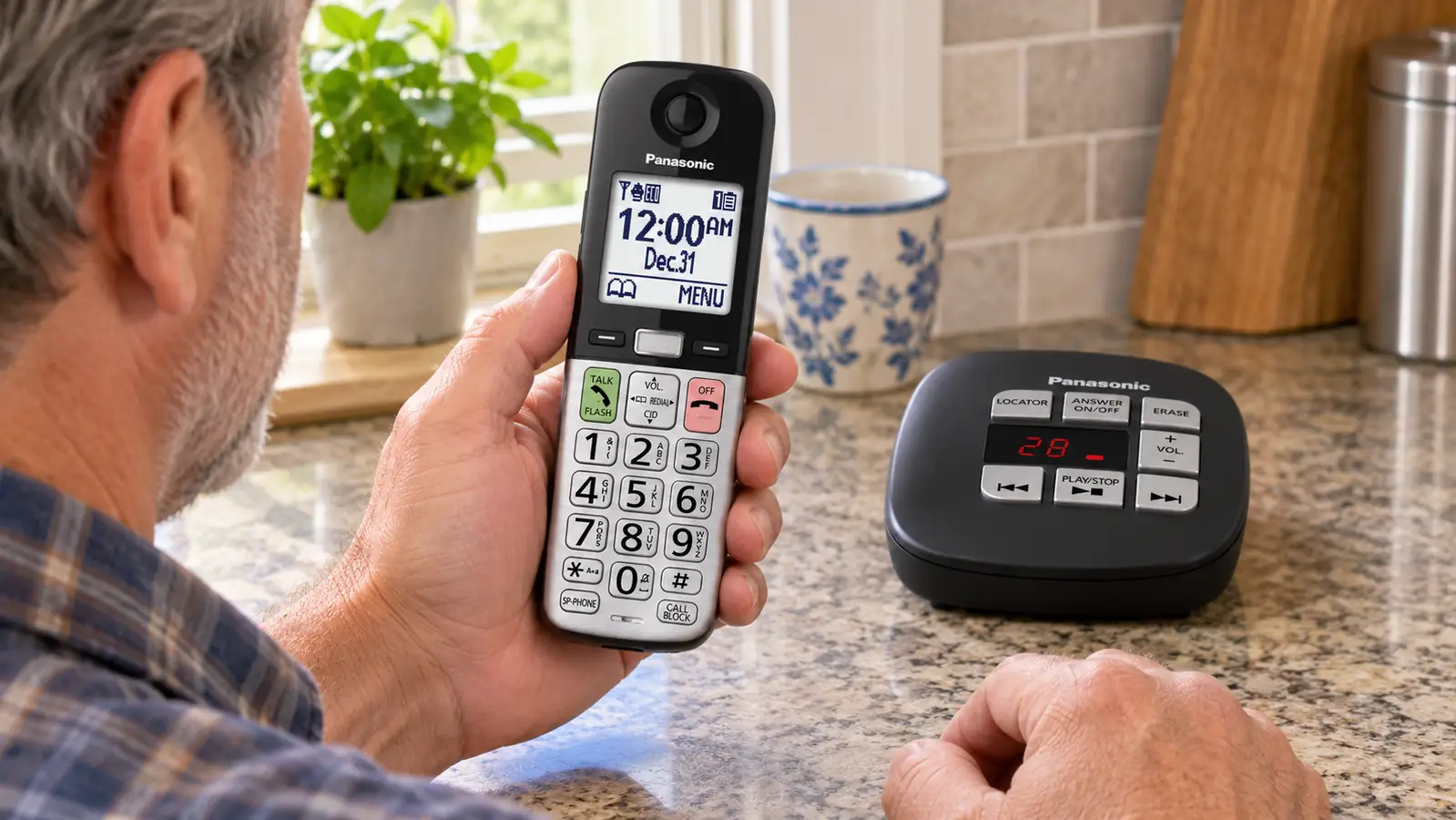
Here is the part that matters. The buttons are big, and they are spaced far enough apart that a thumb with arthritis in it can press one without catching the one beside it. My mother's hands are not what they were. She can still hold a mug steady. She cannot reliably work a small keypad. The number keys on this handset are printed large, and the contrast between the numbers and the keys is strong enough that she finds a seven without putting her reading glasses on first.
I measured once, out of curiosity. The number keys on her old handset were a little under a quarter inch across. These are closer to three eighths, and the gap between two keys is wider than the key itself, which is the part that actually matters when a thumb is stiff. Before I left that first morning I had her dial my number from memory three times. She got it right every time, and the third time she did it without looking down at her hand.
The display is 2.1 inches, which sounds small written down and does not read small in person. It shows the caller's name and number in a size she can read from her chair across the room. That sounds like a low bar to clear. It was not a bar her previous phone cleared, and it was the reason I started shopping in the first place.
I want to be straight about the limit here. A 2.1 inch display helps a lot. It is not a magnifier and it is not going to solve serious vision loss. My mother reads it fine. Her friend two doors down, whose eyes are worse, would need a different kind of phone entirely, and I would not pretend otherwise to make this review tidier.
The Favorites Key Is the Real Feature
Panasonic built a favorites key that flashes when a call comes in and keeps flashing when one was missed. That blinking is the whole point. Nobody has to remember which button to press or scroll through a list of names. She looks at the handset, sees it blinking, and presses the one key. I programmed my number and my brother's number on the first day, and added one of the grandkids after that.
The first week she called me four times in two days, mostly just because she could. I did not mind at all. That is what the feature is for. It removes the small, slightly humiliating step of having to ask somebody to dial for you, and it lets a person make the call on their own terms.
The missed call half of it mattered more than I expected. Before, a missed call meant she did not know anyone had rung at all until I happened to mention it. Now the key is blinking when she walks past the table, and she presses it and calls the person back. That one change has done more for how often she talks to people than anything else I have bought her in five years.
The key is blinking when she walks past the table, and she presses it and calls the person back. That one change has done more for how often she talks to people than anything else I have bought her in five years.
The Extras I Did Not Expect to Care About
There is a flashlight built into the handset. I rolled my eyes at that line in the product listing. Then the power went out in her building in January for about two hours, and she used it to find her way down the hall to where the neighbors were gathered. I would not have paid extra for a flashlight. I am glad it is there.
Volume boost is the feature she uses daily. Her television is loud and she is not apologetic about it. She says she can hear me without asking me to repeat myself three times, which used to happen on every single call. The first Sunday after I set it up we talked for seventeen minutes and she did not ask me to repeat a thing. I noticed because I had gotten into the habit of pausing after every sentence, waiting for the inevitable 'what?' Talking caller ID announces who is on the line out loud before she picks up, and she likes hearing my name said before she answers. One honest caveat there: the talking caller ID only works as well as the caller ID service on the phone line. If the phone company is not sending the name through, the handset cannot announce it.
Call block is in there too, and I have used it. My mother gets the same scam calls everybody gets. I blocked three numbers for her in the first month after she mentioned a man who said he was from the bank. That man called twice more from different numbers over the following weeks, and I blocked each one as it came in. It is not a full defense against that sort of thing, and I still remind her not to give anyone information over the phone. But it is one more layer, and I will take every layer I can get.
Battery, Range, and the Answering Machine
Panasonic lists 10 hours of talk time and 5 days of standby, and in practice she has never come close to running a handset down, because it goes back on the base when she is finished. The four AAA batteries came in the box. They will need replacing eventually, and when they do, that will be a phone call to me, which is fine and frankly expected.
The range is plenty for her apartment and the hallway just outside it. I tested it myself one afternoon, walking out her door, down the corridor, and into the mail room at the far end of the building. It held. It started to crackle near the stairwell, which is one wall and one floor further than she will ever carry it. If your parent lives in a larger house with a garage and a garden, Panasonic lists a compatible range extender, the KX-TGA407, and that is the answer if one base is not giving you enough reach. I would not buy this expecting it to cover three floors on its own.
The answering system is digital and holds 17 minutes of messages, so there is no tape to lose or rewind. I recorded the greeting in my own voice, which was her idea and a good one, because a familiar voice on the machine is friendlier than a robot reading a number. She plays her messages back herself now, which she never did with the old one. There is also three way conference calling, and I have used it exactly once, when my brother was in Ohio and we both wanted to hear about a doctor's appointment at the same time.
Where It Falls Short
The screen is 2.1 inches and it will not help someone with significant vision loss. That is not a knock on Panasonic, it is a limit of the whole category. If your parent has macular degeneration, look at a phone built specifically for that, because this one will leave you driving over to read the display out loud anyway.
The other thing is that two handsets is exactly right for an apartment and not enough for a three story house. If you need four or five, buy the version with more handsets rather than ordering this one and then ordering again. It is also a landline phone. If the person you are buying for has no phone jack in the wall, this does nothing at all, and no amount of feature writing changes that. And if the person you are shopping for already uses a smartphone happily, this will feel like a step backward to them even where it is genuinely easier.
What I Liked
- Large, well spaced buttons that a hand with arthritis can work without hitting two keys at once
- A favorites key that flashes for incoming and missed calls, so nobody has to hunt through a menu
- Readable 2.1 inch display with strong contrast between numbers and keys
- Volume boost that ends the repeat-yourself-three-times phone call
- Talking caller ID and call block, both genuinely used in my mother's apartment
- Two handsets, so there is one within reach in two rooms
- 10 hours of talk time and 5 days of standby per Panasonic, with four AAA batteries included
- A built-in flashlight that earned its place during a two hour power cut
Where It Falls Short
- The 2.1 inch screen is not enough for someone with serious vision loss
- Talking caller ID depends on the caller ID service actually being on the phone line
- Two handsets is right for an apartment and short for a large house
- The included AAA batteries will need replacing eventually
- It needs a working phone jack, so it is useless in a house with no landline
Who This Is For
This is for someone who wants a phone that answers the phone. If your mother or grandmother has a landline, mild to moderate arthritis in her hands, and a habit of losing the thread the moment a screen changes on her, this is the model I would buy again tomorrow. It suits the person who lives in two rooms and wants a handset in each of them, and it suits the person who will not read a manual, because there is very little here to learn.
It also suits the family member doing the buying. Fifteen minutes of setup and then months of not thinking about it is a rare combination in the senior gift category, and I have bought enough of those gifts to know how rare it is.
Who Should Skip It
Skip it if the person you are buying for already has a smartphone they use happily, because this will read as a demotion. Skip it if there is no phone line in the house, since none of the features mean anything without one. Skip it if the vision loss is significant enough that a 2.1 inch screen will not be readable even with good contrast, because you will spend the money and then drive over to dial for them anyway, which is the exact problem you were trying to solve.
And skip this particular bundle if you need four or five handsets for a big house. There is a version with more handsets, and buying it once beats buying this and then ordering a second set a month later, which is what I would have done if my mother's apartment had more than two rooms in it.
If your parent still has a landline, this is the one I would buy again
Big buttons, a flashing favorites key, volume boost and two handsets. Confirm the handset count against the size of the house before you order, then set the favorites on your first visit.
Amazon Check Today's Price on Amazon →